
Written by: Bhagyashri Sisodia (LinkedIn), Digital Business Management BComm student
In our E-Business Information Systems and Technology (BUS 3003) course, we had the exciting opportunity to step into the shoes of UX designers and create an app prototype for the Fashion History Museum’s Fall 2024 exhibit.
As Digital Business Management students, we were tasked with developing an App prototype that focused on user experience and incorporated UX insights gained from our analysis of the ROM Mobile Tours during our visit to the Royal Ontario Museum.
This hands-on project challenged us to develop our design thinking and user experience (UX) skills through a multi-step process, from research and ideation to the virtual presentation, with the added bonus of learning how to turn ideas into something tangible!
Step 1: Exploring the ROM and taking a million screenshots of the app
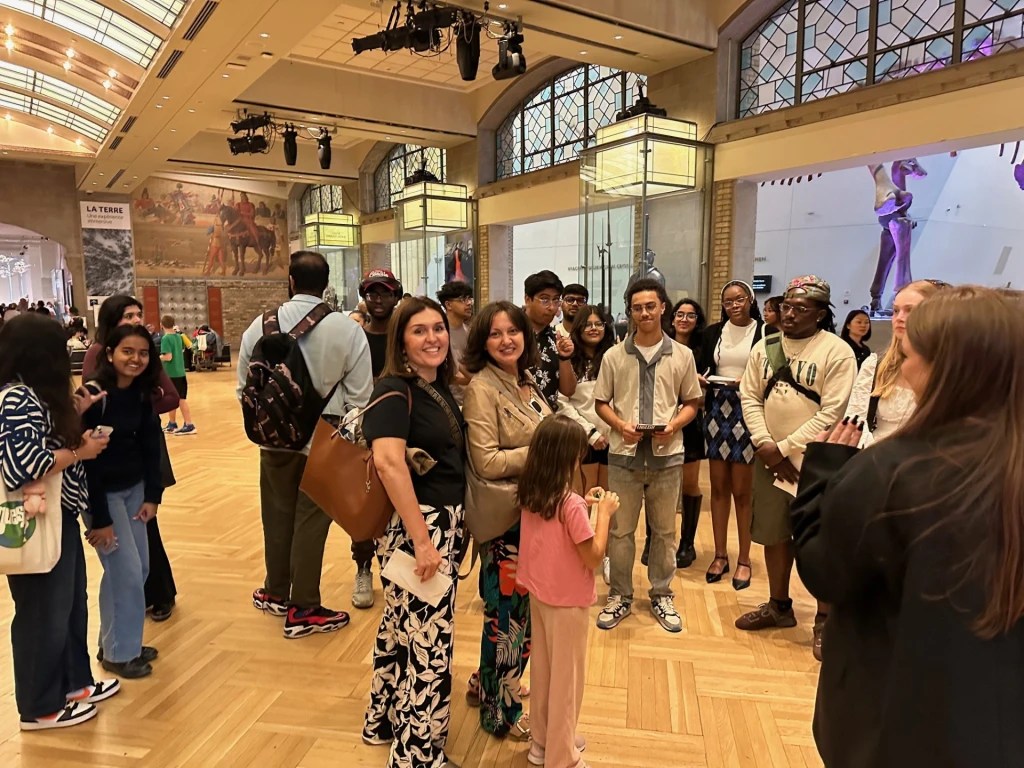
The project began with our visit to the Royal Ontario Museum (ROM), where we analyzed the ROM Mobile Tours App to understand user needs and pain points. We explored the App, noted its strengths, and identified areas for improvement. This critical evaluation laid the foundation for our approach to the Fashion History Museum app, guiding us in identifying key features related to usability, design, interactivity, navigation, and overall performance to incorporate into our app prototypes.


Step 2: Research, ideation and scribbling our way to the lo-fi sketches
After carefully analyzing the ROM app, it was time to put on our thinking caps! All the groups switched to brainstorming mode and created 2–4 user personas representing the target audience for the Fashion History Museum. We defined the scope and primary purpose of our app, along with outlining its key features and functionalities, such as exhibit navigation and information, interactive elements (e.g., augmented reality), and social media integration.
Soon after, we moved on to creating lo-fi sketches of the app during class. We sketched each screen, focusing on the app’s core functionalities and user flow. This stage was all about deciding what features would make the app both useful and easy to navigate while visualizing how users would interact with it.
Step 3: Dive into Figma + It’s Showtime!
Once our lofi-sketches were ready, we jumped into Figma software (new skill alert!) to start working on the digital version of the app. From positioning the buttons to incorporating a “Scan Me” feature, we spent a lot of time brainstorming, testing ideas, and tweaking things along the way.
We focused on making the app user-friendly by addressing the issues we noticed with the ROM app, like improving navigation and adding more engaging features. Since the primary objective of the app was to help users navigate the fashion history exhibit, we made sure to include separate pages for different exhibits and enable users to scan a QR code for each exhibit. This would redirect them to a page with a detailed description of the objects on display.
We also added interactive map elements, accessibility features like language settings, and a “Contact Us” section, ensuring that every detail met the needs of both the museum and its visitors.
A week before our final presentation, each group had a boardroom meeting with our professor, Hanadi Alnawab, who provided valuable feedback and suggested a few modifications to enhance the usability and overall user experience of our prototype.
The final step was presenting our app prototype online. We had a virtual walkthrough of our app prototype, where we shared the journey behind our design. Each team member took a turn explaining their part of the process, from the initial sketches to the final design. It was truly rewarding to see all our hard work come together!

Lessons learned
This project was a fantastic hands-on experience that taught us the importance of user-centered design. We learned how to apply UX principles to create meaningful digital experiences and collaborate effectively as a team. It also helped us integrate key design thinking concepts—empathize, define, ideate, prototype, and test, allowing us to think from the user’s perspective and continuously improve our ideas based on feedback.
Until next time,
Bhagyashri Sisodia

 The Fashion History Project